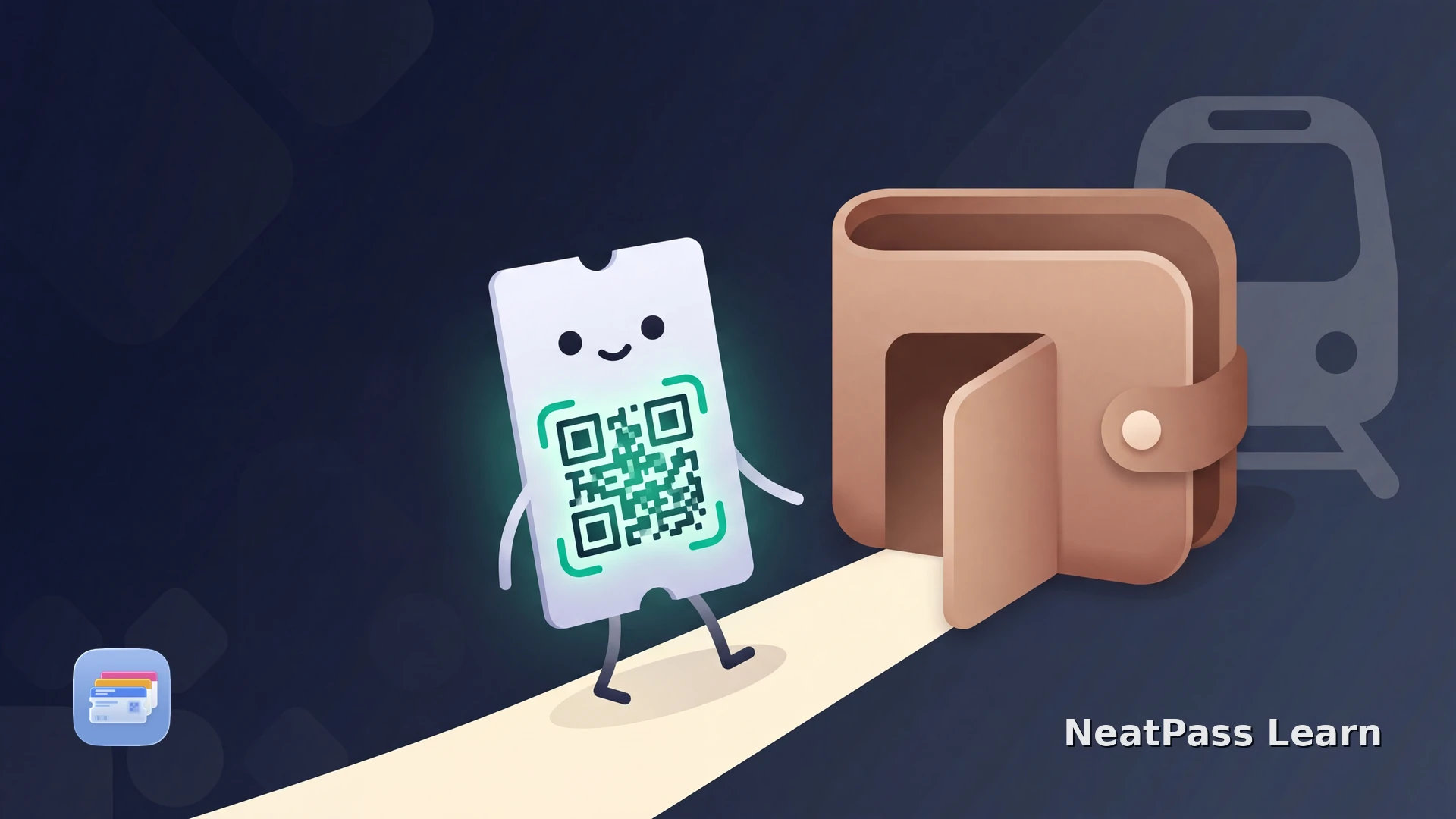
Wiener Linien has no native Apple Wallet ticket. Vienna's transit operator sells tickets through machines and the WienMobil app, but none of them drop into Wallet, and riders have been asking for that for years. So if you want a Vienna ticket on your lock screen next to your boarding passes, there is no official button for it.
There is a clean workaround. A printed Wiener Linien ticket carries a scannable QR code, and that code can become a real Apple Wallet pass. This guide covers what does and does not work on iPhone in 2026, and how to keep a Vienna ticket in Wallet the reliable way.
What actually works on your iPhone
A few different things get mixed up when people look for Wiener Linien in Apple Wallet. Here is where each one stands.
No native Wallet ticket
Wiener Linien has not shipped Apple Wallet support. You cannot buy a ticket that lands in Wallet, and the WienMobil app keeps tickets inside the app.
Tap+Ride is a small pilot
A limited contactless pilot lets you tap a bank card or phone at selected metro stations. It is not system-wide and is a payment, not a Wallet pass.
Paper ticket QR in Wallet
A printed single or 24-hour ticket carries a scannable QR code. That code can be captured and stored as an Apple Wallet pass.
Why there is no Wiener Linien pass in Wallet
Two things have to be true for a ticket to land in Apple Wallet: the operator either builds a native transit card, or it issues a ticket with a barcode you can save. Wiener Linien has done neither for iPhone. There is no native card, and the WienMobil app shows its digital tickets on screen for an inspector rather than exporting a barcode you can keep.
That is why the WienMobil ticket cannot simply be added to Wallet. The reliable path is the printed ticket. A single or 24-hour ticket from a machine prints a QR code, and that static code is exactly what a Wallet pass needs.
About Tap+Ride
Vienna ticket types and prices
Under the fare structure from January 2026, the common options are straightforward. Buying online or in the app is a little cheaper than paper on some tickets.
- Single ticket: about 3.20 euro at a machine, or 3.00 euro bought digitally.
- 24-hour ticket: about 10.20 euro.
- 7-day ticket: about 28.90 euro.
- 31-day ticket: about 75.00 euro.
The 48-hour and 72-hour tickets were discontinued in January 2026. The well-known annual pass is still the best value for residents, and its digital form costs a little less than the plastic card. Confirm current prices on the Wiener Linien site before buying.
Keep your Vienna ticket in Apple Wallet
NeatPass makes it easy to convert any ticket, pass, or loyalty card to Apple Wallet.
Putting a Vienna ticket in Wallet
If your ticket shows a QR code, whether printed from a machine or sitting in a confirmation email, NeatPass can turn it into a proper Apple Wallet pass. That gives a single, 24-hour, or weekly ticket a home on your lock screen instead of a paper slip in your pocket.
NeatPass turns a ticket into an Apple Wallet pass by capturing its QR code and building a real pass around it. Scan the printed ticket with the camera, import a PDF, or drop in a screenshot. The six import methods cover almost any source, and 18 barcode formats are supported, so the code shows to an inspector or scanner exactly like the original.
Capturing the QR code
Get the ticket with its QR code
Capture it in NeatPass
Add it to Apple Wallet
Show it when asked
Why a Wallet pass beats a paper slip or the app
- It opens instantly from the lock screen with a lock screen widget, no app launch or login.
- It works offline, which matters in the U-Bahn where signal drops between stations.
- Apple Wallet brightens the screen automatically, so the QR is easy to read even in a bright station.
NeatPass keeps the original scanned ticket alongside the pass, asks for no account, and makes no cloud uploads. When a pass is added to Wallet, the signing server receives only a cryptographic hash, never the ticket contents. The privacy details are here.
Match the ticket rules
Frequently asked questions
Give your Vienna ticket a home in Wallet
DownloadYour Vienna ticket, ready in Wallet
Wiener Linien has not built an Apple Wallet ticket, and its app tickets stay in the app. Until that changes, the printed ticket is the reliable bridge: capture its QR code, save it as a pass, and let Wallet keep it bright, offline, and one glance away.
One place for the ticket, no paper slip to lose in the U-Bahn. That is the practical way to carry Vienna transit on your iPhone in 2026.