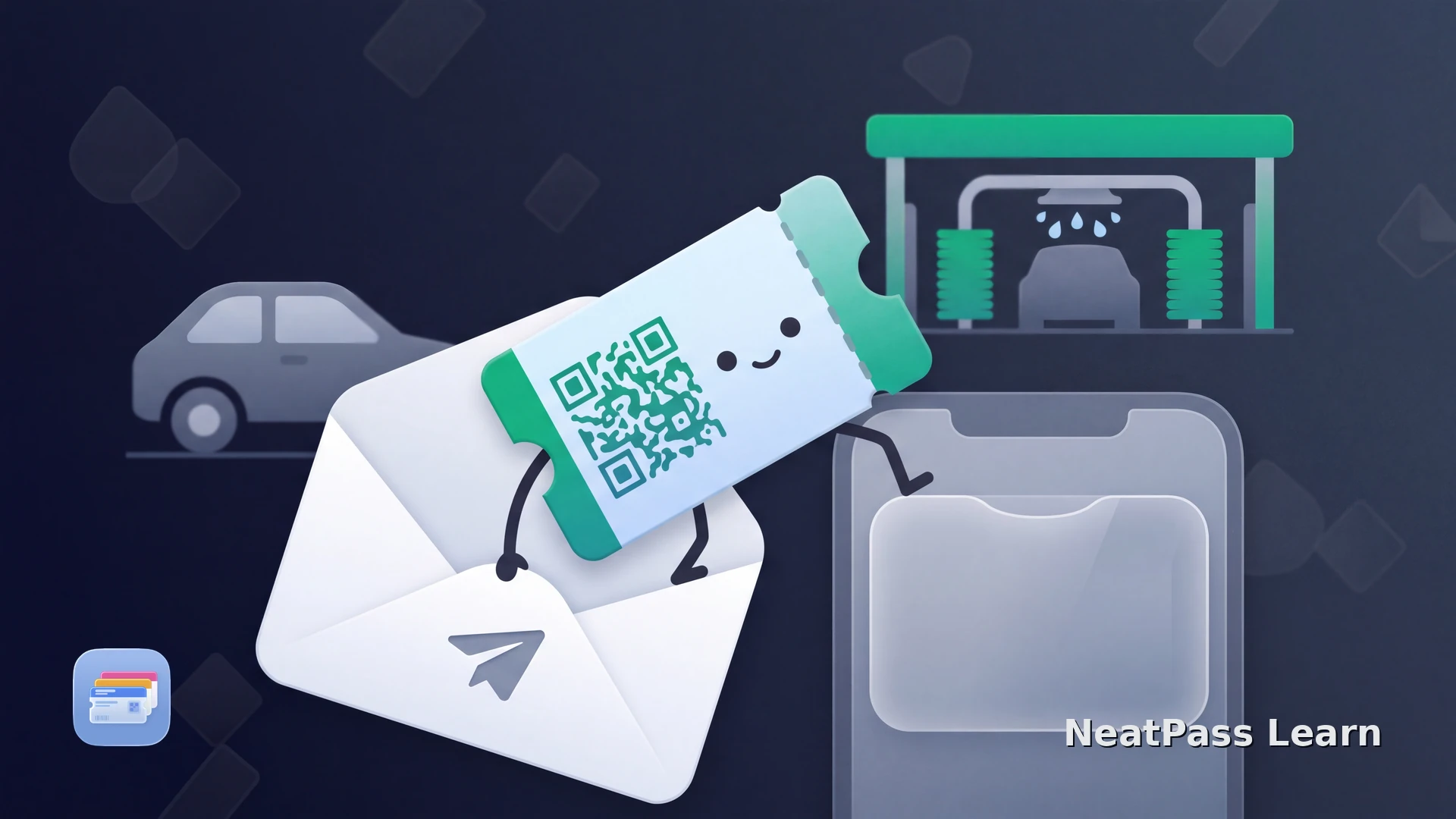
A prepaid car-wash code may arrive by email and be easy to misplace before the next visit. You can preserve its exact payload in a NeatPass-created Apple Wallet pass when the operator issued a stable customer ticket and permits a saved copy at the wash.
The source must be the actual ticket or voucher assigned to you. A public QR code printed on a payment terminal may only open a purchase or app activation flow. Copying that sign does not create a wash credit.
Import the Customer Ticket, Not the Terminal Sign
Some car-wash operators issue prepaid barcode tickets by email for scanning at their locations. Depending on the operator and product, a code may cover one wash, several washes, or remain valid only until a stated date. Check the issuer's email, receipt, account, and screenshot rules to learn whether the code is fixed and a saved copy is allowed.
A public purchase QR code is not your ticket
Compare the issued code with the 18 barcode formats NeatPass supports. NeatPass preserves a supported static barcode as a visual Wallet pass; use the operator's own route for any vehicle, tag, or app credential.
How to Add an Issued Car-Wash Code
NeatPass provides six import methods. For an emailed wash ticket, share the message attachment, choose the PDF or image from Files or Photos, or use a clear screenshot that includes the full barcode.
Find the issued customer ticket
Check the code and issuer permission
Import the clearest source
Record the ticket conditions
Present the visual code
After confirming the code, follow the NeatPass Add to Apple Wallet guide. The static pass makes the barcode easier to reach, while the operator's system remains responsible for validation, remaining uses, and expiry.
Keep an issued static wash ticket ready in Wallet
NeatPass makes it easy to convert any ticket, pass, or loyalty card to Apple Wallet.
The Operator Still Controls Every Wash
A NeatPass-created static pass keeps the supported barcode easy to present, while the operator remains the source of truth for usage, expiry, redemption, and any account or vehicle link. If the operator cancels or replaces the ticket, the copied barcode does not remain valid on its own.
Use the operator's required route for license-plate recognition, RFID, NFC, subscriptions, or app activation. A static visual pass is suitable only when the issued ticket itself is a stable barcode and the operator allows a saved copy.
Keep the purchase record
At the Car Wash
Use the location and lane named by the operator. A prepaid barcode may be scanned by an attendant or at a dedicated optical reader, while another lane may expect a number plate, RFID tag, or app. Follow the signage and current ticket instructions rather than assuming every terminal accepts the Wallet display.
A saved visual pass can be opened without searching the inbox. See the NeatPass offline mode guide for local access. The operator may still validate the code against its own system, so offline display does not guarantee an offline wash.
If the reader cannot clearly see the code, use the checks in the NeatPass faded QR code guide. If it remains rejected, show the original ticket or ask the operator. The exact copied payload cannot override an expired, unsupported, cancelled, or already-redeemed ticket.
Frequently Asked Questions
Create a pass from your current prepaid wash ticket
DownloadYour Wash Ticket in Wallet
A stable prepaid wash barcode can be kept in a NeatPass-created Wallet pass when it is the actual customer ticket and the operator allows a saved copy. Confirm the issuer's display rules, terms, location, and expiry, then keep the original purchase record. The static pass gives you fast access to the same code without adding credit or replacing the operator's access system.